

Forecasting Software vs Spreadsheets: The Honest Trade-off
- The choice between forecasting software and spreadsheets is one every growing finance team faces, and the honest answer for your Financial Modeling depends on your size, complexity, and what your time is worth.
- Spreadsheets are genuinely excellent for small teams with simple models, and switching too early wastes money. The case for them is real.
- They break at scale: the average FP&A person spends 75% of their time gathering data, leaving only 25% for actual analysis.
- The hidden cost is labor. Maintaining an Excel forecast can consume 3 to 5 hours a week, roughly $27,000 to $45,000 a year in finance salary spent on upkeep, not insight.
- There are two upgrade paths, spreadsheet add-ons that keep you in Excel and purpose-built platforms, and the right one depends on your stage.
Should you keep your Financial Modeling in spreadsheets or move to dedicated forecasting software? It is a question framed too often as a foregone conclusion, software vendors say upgrade now, spreadsheet loyalists say never. The honest answer is a trade-off that depends on your specific situation, and getting it right means understanding both what spreadsheets do well and exactly where they start costing you more than they save. Here is the real cost-benefit, without the vendor spin, so you can make the call that fits your company rather than someone's sales target.

The Honest Case for Spreadsheets
It is worth starting with what is true: spreadsheets are an excellent tool for Financial Modeling, and for many companies they are the right choice. They are flexible, universally understood, nearly free, and capable of handling sophisticated models. For a small team with a relatively simple model maintained by one or two people, a well-built spreadsheet is faster, cheaper, and more adaptable than any platform, as Prophix acknowledges even while making the case for software.
This honesty matters because the biggest mistake in this decision is switching too early. Buying FP&A software for a company that does not yet need it adds cost, rigidity, and a learning curve to solve a problem you do not have. A founder who reads a vendor's pitch and concludes they must upgrade often ends up paying for capability that sits unused while a clean spreadsheet would have served them better. The case for spreadsheets is strongest exactly when the model is simple and the team is small, which describes most early-stage companies. So the honest trade-off begins by acknowledging that spreadsheets are not a deficiency to be corrected as soon as possible; they are the right tool until specific conditions make them the wrong one. The question is when those conditions arrive.

Where Spreadsheets Actually Break
Spreadsheets break at scale, and the breaking points are specific and recognizable rather than vague. The clearest one is collaboration: when several people edit the same forecast model, the "final" version becomes whichever file was emailed last, and version control collapses into confusion, as Prophix describes. A model that worked perfectly when one person owned it becomes a source of errors and disagreements when a team shares it.
The other breaking points compound the first. As models grow more complex, with more tabs, more linked formulas, more data sources, they become harder to maintain, validate, and trust, and the risk of an undetected error rises. Multiple entities, high transaction volumes, and frequent changes all strain spreadsheets in ways that purpose-built software handles more gracefully. The telltale sign that your Financial Modeling has hit these limits is the data-gathering tax: the average FP&A employee spends 75% of their time gathering data and administering the process, leaving only 25% for the analysis that actually drives decisions, per CFO.com data cited across the field. When most of your finance capacity is consumed feeding the spreadsheet rather than learning from it, the spreadsheet has stopped being an asset and become a bottleneck. That ratio, not a vendor's pitch, is the real signal that you may have outgrown the tool.
The Real Cost of the Excel Forecast
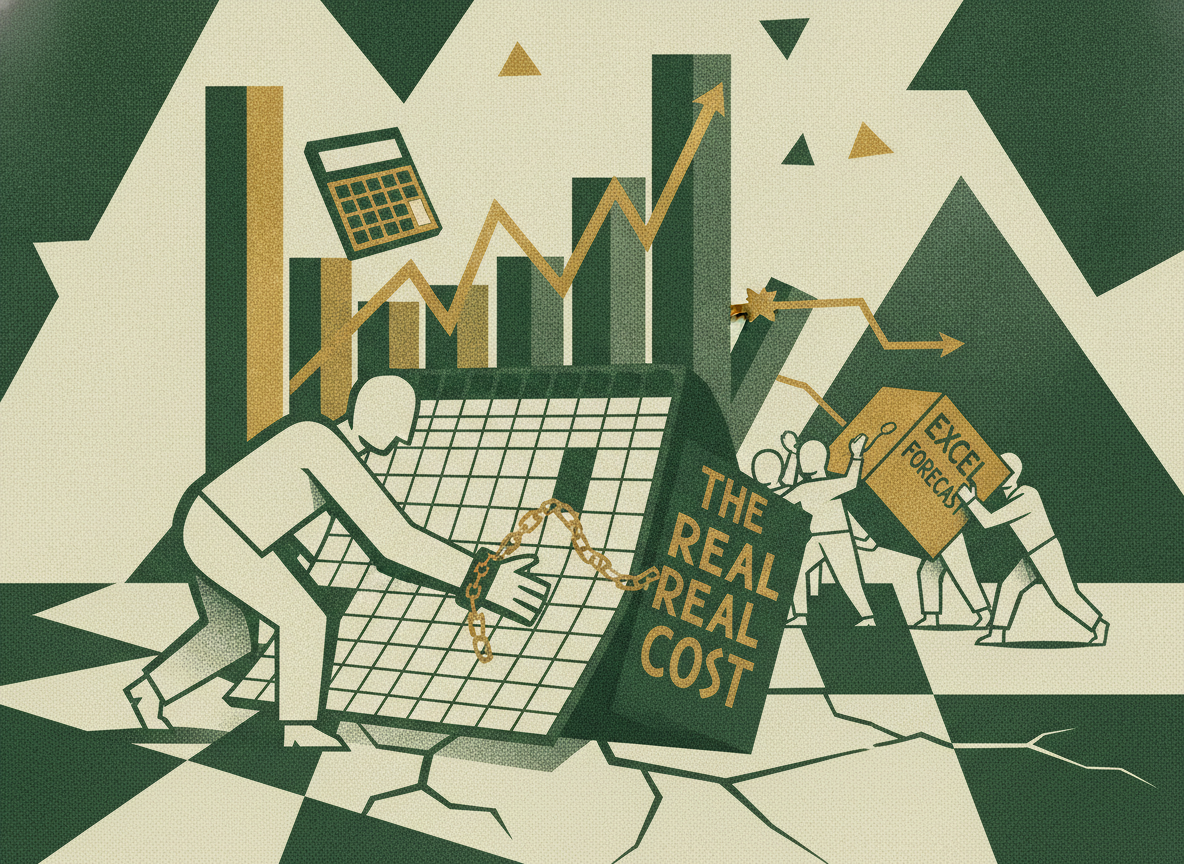
The honest trade-off requires counting the true cost of staying on spreadsheets, which is mostly invisible because it is labor rather than a line item. The software cost of Excel is trivial, but the time cost of maintaining a complex forecast in it is not. Maintaining an Excel forecast can consume 3 to 5 hours a week, which at a fully-loaded finance salary of $150,000 works out to roughly $27,000 to $45,000 a year in labor spent on data entry and formula upkeep rather than strategic work, per industry analysis.
This hidden cost is the crux of the decision, because it is exactly what FP&A software is designed to recover. When you weigh forecasting software against spreadsheets, the relevant comparison is not the software's price against zero; it is the software's price against the labor cost of maintaining the spreadsheet plus the value of the analysis your team is not doing while they maintain it. For a small team with a simple model, that labor cost is low and the software does not pay for itself. For a team spending hundreds of hours a year wrangling a complex model, the software cost can be far less than the labor it frees up, and the freed time goes to analysis that improves decisions. Counting this real cost, the labor and the opportunity cost, is what turns the software-versus-spreadsheet decision from a matter of preference into a matter of math, which is how it should be made.

Two Paths: Add-Ons vs Purpose-Built Platforms
If the math favors upgrading, there is a further choice that founders often miss: there are two distinct paths, and they suit different situations. The first is spreadsheet add-ons, tools that let you keep modeling in Excel or Google Sheets while syncing to a governed, central data layer. These offer minimal behavior change and rapid time-to-value, often days to a few weeks, because your team keeps working in the spreadsheet interface they know while gaining version control and a single source of data, as CentSight describes.
The second path is a purpose-built FP&A platform, a dedicated web-based tool with stronger governance, audit trails, and approvals built in. These offer more capability and control but require longer onboarding, weeks to months, and a steeper learning curve as the team moves off spreadsheets entirely. The choice between them depends on your needs and your appetite for change. A team that wants the benefits of governance and a single source of truth but is not ready to abandon spreadsheets is well served by an add-on. A larger, more complex organization that needs full platform capabilities and is willing to invest in the transition is better served by a purpose-built tool. Recognizing that upgrading is not one decision but a choice among approaches, each with its own cost and disruption, is part of making the trade-off honestly. The right path preserves what works about your current Financial Modeling while solving the specific problems that prompted the change.

Matching the Decision to Your Size
In the end, the honest answer to software versus spreadsheets is that it depends on your company's size and complexity, and the rough thresholds are knowable. A very small company, roughly $1M to $5M in revenue, with a simple model and one finance owner, is usually best served by spreadsheets, or at most a lightweight add-on, with modern startup FP&A tiers running about $3K to $15K a year if you do upgrade. A growing company, roughly $5M to $15M, with more complexity, a second finance seat, and a need for scenario planning and board reporting, often crosses into the zone where dedicated software pays for itself, at $15K to $45K a year.
These are guides, not rules, the right answer depends on your specific complexity, how many people touch the model, and what your finance team's time is worth, but they frame the decision realistically. The discipline is to make the call based on your actual situation and the real cost-benefit math, not on a vendor's urgency or a loyalist's resistance. For a founder, this is exactly the kind of decision where a fractional CFO adds value, assessing honestly whether your Financial Modeling has outgrown spreadsheets, and if so, which upgrade path fits your stage and budget. The goal is neither to cling to spreadsheets out of habit nor to buy software out of aspiration, but to choose the tool that genuinely serves your finance function at your current size, and to revisit the decision as you grow.

Frequently Asked Questions
Are Spreadsheets Good Enough for Financial Modeling?
For many companies, yes. Spreadsheets are flexible, universally understood, nearly free, and capable of sophisticated models. For a small team with a relatively simple model maintained by one or two people, a well-built spreadsheet is faster, cheaper, and more adaptable than any platform. The biggest mistake is switching too early and paying for software capability you do not yet need to solve a problem you do not have.
When Do Spreadsheets Stop Working?
When they break at scale. The clearest sign is collaboration breaking down, several people editing the same model means the "final" version is whichever file was emailed last. Complexity, multiple entities, high volumes, and frequent change also strain them. The telltale signal is that the average FP&A person spends 75 percent of their time gathering data, leaving only 25 percent for analysis, meaning the spreadsheet has become a bottleneck.
What Is the Real Cost of Keeping a Forecast in Excel?
Mostly hidden labor. Maintaining a complex Excel forecast can consume 3 to 5 hours a week, roughly $27,000 to $45,000 a year in finance salary at a $150,000 fully-loaded cost, spent on data entry and formula upkeep rather than analysis. The right comparison for software is not its price against zero, but its price against this labor cost plus the value of analysis your team is not doing while maintaining the spreadsheet.
What Are the Options for Upgrading From Spreadsheets?
Two paths. Spreadsheet add-ons let you keep modeling in Excel or Google Sheets while syncing to a governed data layer, offering minimal change and fast time-to-value. Purpose-built FP&A platforms provide stronger governance, audit trails, and approvals but require longer onboarding and a steeper learning curve. Add-ons suit teams not ready to leave spreadsheets; platforms suit larger, more complex organizations willing to invest in the transition.
References
